Will it work on my Mac?+
The current stable app supports M-series Macs running macOS 13 or later. For Intel Macs, see the historical compatibility notes in the installation guide.
Is FileMint free?+
Personal, educational, research and other non-commercial use is free. Commercial use requires prior written authorization or a separate commercial license. Donations do not grant commercial rights.
Why is the menu missing in Finder?+
Check that the Finder extension is enabled and the current folder is in your configured menu scope. Grant access to the relevant folder when prompted. Available tools depend on your selection.
Do I need to enable everything?+
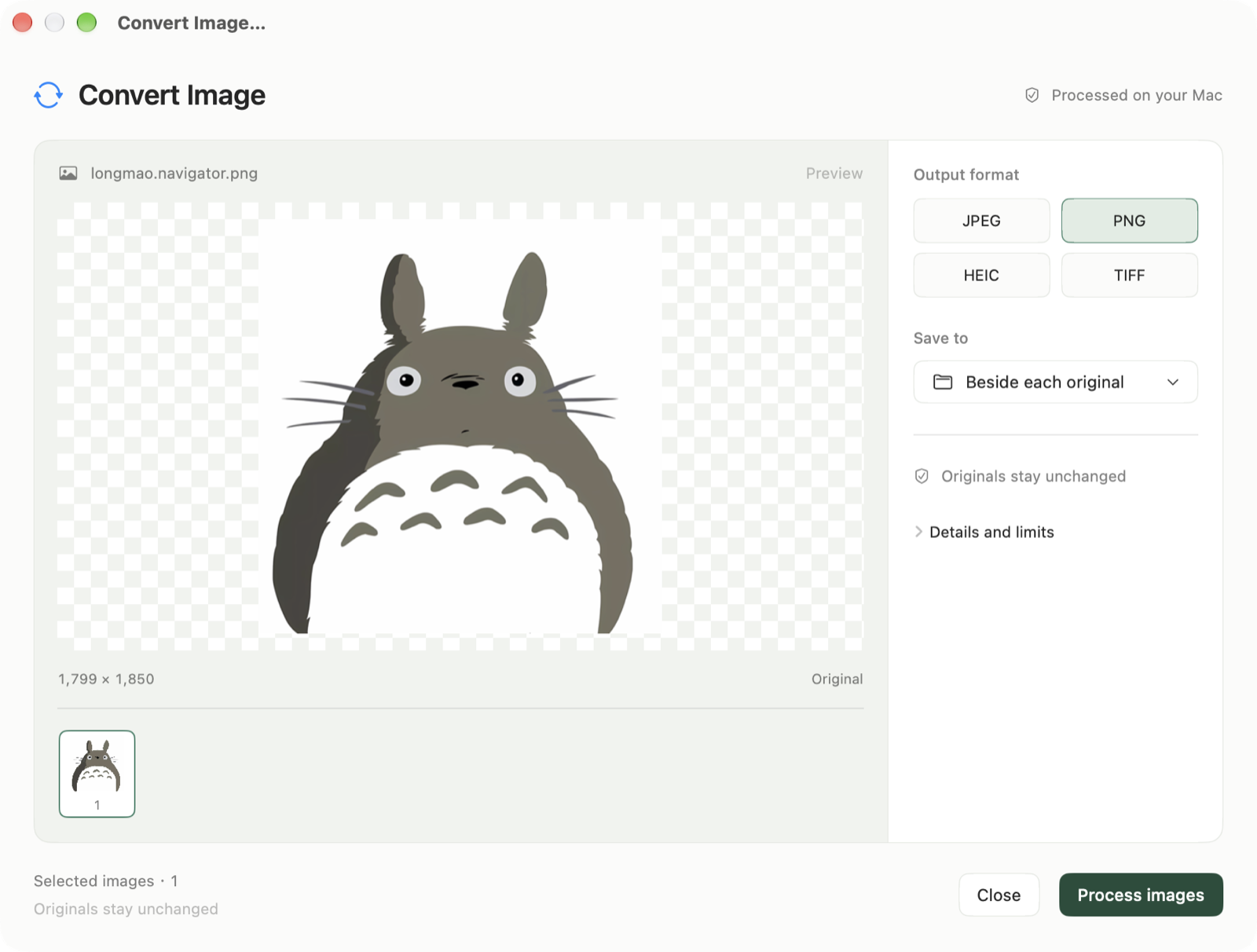
Use just what you need. Finder integration for file and image tools starts off, and menu placement is configurable. You can still create files and process images in the app.
Are my files uploaded?+
File creation, batch renaming, checksums, image processing and OCR run on your Mac, without uploading files for processing. Clipboard content is read only when you choose a paste action. The app can check weekly for updates; downloads and installation are your choice.